
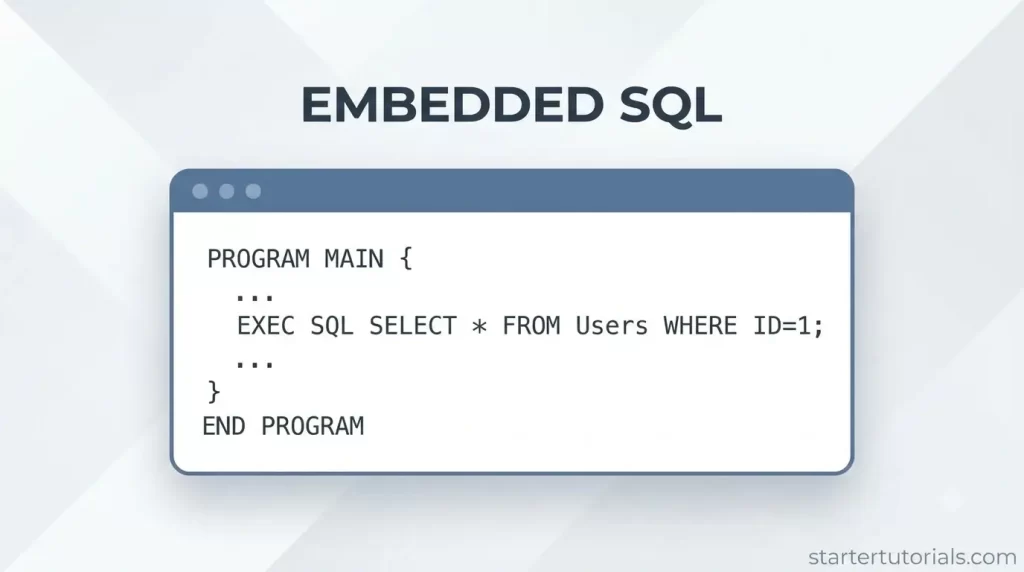
Embedded SQL is a fundamental technique in software engineering that integrates database queries directly into traditional programming languages. Whether you are using static SQL statements embedded in source code or dynamic database APIs like JDBC, embedded database code allows applications to query, retrieve, and modify relational data in real time.
Mastering database embedding empowers developers to build data-driven applications such as web portals, finance software, and enterprise systems that process dynamic data behind the scenes.
What is embedded SQL?
Embedded SQL is a way to mix database commands directly inside a standard programming language (like C, C++, or Java). Instead of writing a standalone query in a database tool, a programmer places SQL statements like SELECT, INSERT, or UPDATE right into the main program’s code.
What is the use of embedded SQL?
Embedded SQL allows regular software applications like banking apps or inventory management systems to directly read, store, and manipulate database data within their normal program code.
Instead of forcing a developer to run a separate database application to manage data, embedded SQL lets the main program automatically query the database, pull the necessary information directly into variables, and process logic (like calculating account balances or checking product stock) all in one seamless workflow.
This makes it easy for everyday software to securely save user inputs, generate dynamic reports, and update database records behind the scenes without any manual intervention.
Embedded SQL using Java
Let’s see how to implement embedded SQL in Java. The examples use our university database schema and tables.
Using JDBC
In Java, embedded SQL is primarily implemented using JDBC (Java Database Connectivity), an API that allows Java programs to send SQL queries to a relational database and process the results.
Core Steps of Embedded SQL in Java
- Establish Connection: Connect to the database using DriverManager.getConnection(url, user, password).
- Prepare Statement: Write SQL queries as strings using PreparedStatement to safely inject parameters.
- Execute Query: Send the statement to the database using executeQuery() for retrieving data (SELECT) or executeUpdate() for modifying data (INSERT, UPDATE, DELETE).
- Process ResultSet: Iterate through the database rows returned using ResultSet.next() and map table columns to Java variables.
Example 1: Selecting Students by Department
To retrieve all students belonging to the Computer Science department (Dept_ID = 101):
import java.sql.*;

public class ReadStudents {

    public static void main(String[] args) {

        String url = "jdbc:mysql://localhost:3306/university";

        String sql = "SELECT Student_ID, Student_Name, Dept_ID FROM Student WHERE Dept_ID = ?";

        try (Connection conn = DriverManager.getConnection(url, "root", "password");

             PreparedStatement pstmt = conn.prepareStatement(sql)) {

            pstmt.setInt(1, 101); // Set Dept_ID parameter

            ResultSet rs = pstmt.executeQuery();

            while (rs.next()) {

                int id = rs.getInt("Student_ID");

                String name = rs.getString("Student_Name");

                int deptId = rs.getInt("Dept_ID");

                System.out.println(id + " | " + name + " | " + deptId);

            }

        } catch (SQLException e) {

            e.printStackTrace();

        }

    }

}
Output:
| Student_ID | Student_Name | Dept_ID |
| 1001 | John Doe | 101 |
| 1002 | Jane Smith | 101 |
Example 2: Joining Tables for Course Enrollments
To retrieve all course names enrolled by student John Doe (Student_ID = 1001) by joining Enrollment, Student, and Course tables:
String sql = "SELECT s.Student_ID, s.Student_Name, c.Course_ID, c.Course_Name " +

             "FROM Student s " +

             "JOIN Enrollment e ON s.Student_ID = e.Student_ID " +

             "JOIN Course c ON e.Course_ID = c.Course_ID " +

             "WHERE s.Student_ID = ?";


try (PreparedStatement pstmt = conn.prepareStatement(sql)) {

    pstmt.setInt(1, 1001);

    ResultSet rs = pstmt.executeQuery();

    while (rs.next()) {

        System.out.println(rs.getInt("Student_ID") + " | " +

                           rs.getString("Student_Name") + " | " +

                           rs.getInt("Course_ID") + " | " +

                           rs.getString("Course_Name"));

    }

}
Output:
| Student_ID | Student_Name | Course_ID | Course_Name |
| 1001 | John Doe | 201 | Database Systems |
| 1001 | John Doe | 202 | Algorithms |
Using SQLJ
SQLJ is an ISO standard technique that allows programmers to write static SQL statements directly inside Java code using the #sql syntax.
Unlike JDBC which treats SQL statements as plain text strings, SQLJ uses a precompiler (translator) to check SQL syntax, table names, and column data types against the database schema at compile time before translating the code into Java/JDBC calls.
Key Syntax Rules
- Embedding SQL: SQL statements are wrapped in #sql { … }; blocks.
- Host Variables: Java variables used inside SQL statements are preceded by a colon (e.g., :varName).
- Iterators: Specialized Java interfaces used to retrieve and loop through multiple rows returned by a SELECT query.
Example 1: Single-Row Query (INTO Clause)
To retrieve the department name and chair professor’s name for Dept_ID = 101 from the Department and Professor tables:
int targetDeptId = 101;

String deptName;

String chairProfName;


// Single-row query using INTO to bind SQL results to Java host variables

#sql {

    SELECT d.Dept_Name, p.Prof_Name

    INTO :deptName, :chairProfName

    FROM Department d

    JOIN Professor p ON d.Chair_Prof_ID = p.Prof_ID

    WHERE d.Dept_ID = :targetDeptId

};


System.out.println("Department: " + deptName + ", Chair: " + chairProfName);
Output:
| Dept_Name | Prof_Name |
| Computer Science | Dr. Alice Smith |
Example 2: Multi-Row Query (SQLJ Iterator)
To retrieve all professors belonging to the Computer Science department (Dept_ID = 101), SQLJ uses an iterator to step through multiple result rows:
import java.sql.SQLException;


// 1. Declare a named iterator matching the query columns

#sql iterator ProfIterator(int Prof_ID, String Prof_Name, int Dept_ID);


public class ListProfessors {

    public static void main(String[] args) throws SQLException {

        int deptId = 101;

        ProfIterator iter;


        // 2. Assign the multi-row SELECT result to the iterator

        #sql iter = {

            SELECT Prof_ID, Prof_Name, Dept_ID

            FROM Professor

            WHERE Dept_ID = :deptId

        };


        // 3. Loop through results using iterator methods

        while (iter.next()) {

            System.out.println(iter.Prof_ID() + " | " + iter.Prof_Name() + " | " + iter.Dept_ID());

        }


        // 4. Close the iterator

        iter.close();

    }

}
Output:
| Prof_ID | Prof_Name | Dept_ID |
| 1 | Dr. Alice Smith | 101 |
| 2 | Dr. Bob Jones | 101 |
Differences between implementing embedded SQL using SQLJ and JDBC
SQLJ and JDBC are both methods used to execute SQL statements within Java programs, but they approach integration differently. SQLJ integrates SQL directly into the Java syntax, whereas JDBC treats SQL as dynamic text strings.
Key Differences
- Syntax & Integration: SQLJ allows direct SQL statements inside Java code using the #sql clause with static variable bindings (:varName), whereas JDBC requires SQL statements to be written as plain Java String objects.
- Compilation & Checking: SQLJ uses a precompiler to validate SQL syntax, table names, and column types against the database at compile time, catching errors early. JDBC evaluates SQL statements at runtime when the application executes, meaning typos in table or column names cause errors only when the code runs.
- Query Execution Type: SQLJ is designed for static SQL (queries known in advance), making it concise and type-safe. JDBC supports both static and dynamic SQL (queries constructed flexibly on the fly at runtime).
- Code Length & Legibility: SQLJ requires fewer lines of code because it handles parameter binding and result retrieval natively via host variables and iterators. JDBC requires manual calls to set parameters (pstmt.setInt()) and extract data (rs.getString()).
- Tool Support & Portability: JDBC is standard across all Java platforms and requires no extra pre-compilation step or proprietary build tools. SQLJ requires a specialized translator/precompiler and is less common in modern development stacks.
The summary of differences for implementing embedded SQL using SQLJ and JDBC are given in the table below:
| Feature | SQLJ | JDBC |
|---|---|---|
| SQL Writing Style | Directly embedded using #sql { ... } | Written as plain Java Strings |
| Error Checking | Compile-time checking via precompiler | Runtime checking when query executes |
| Primary Use Case | Static SQL queries | Dynamic and static SQL queries |
| Variable Mapping | Uses colon host variables (e.g., :studentId) | Uses positional parameters (e.g., ?) |
| Result Handling | Uses SQLJ Iterators | Uses ResultSet objects |
| Build Process | Requires a precompiler step before Java compilation | Standard Java compilation (javac) |

Mr. P.S.Suryateja, also known as Suryateja Pericherla, is at present a Research Scholar (full-time Ph.D.) in the Dept. of Computer Science & Systems Engineering at Andhra University, Visakhapatnam. Previously worked as an Associate Professor in the Dept. of CSE at Vishnu Institute of Technology, India.
He has 14+ years of teaching experience and is an individual researcher whose research interests are Cloud Computing, Internet of Things, Computer Security, Network Security and Blockchain.
He is a member of professional societies like IEEE, ACM, CSI and ISCA. He published several research papers which are indexed by SCIE, WoS, Scopus, Springer and others.
Leave a Reply