
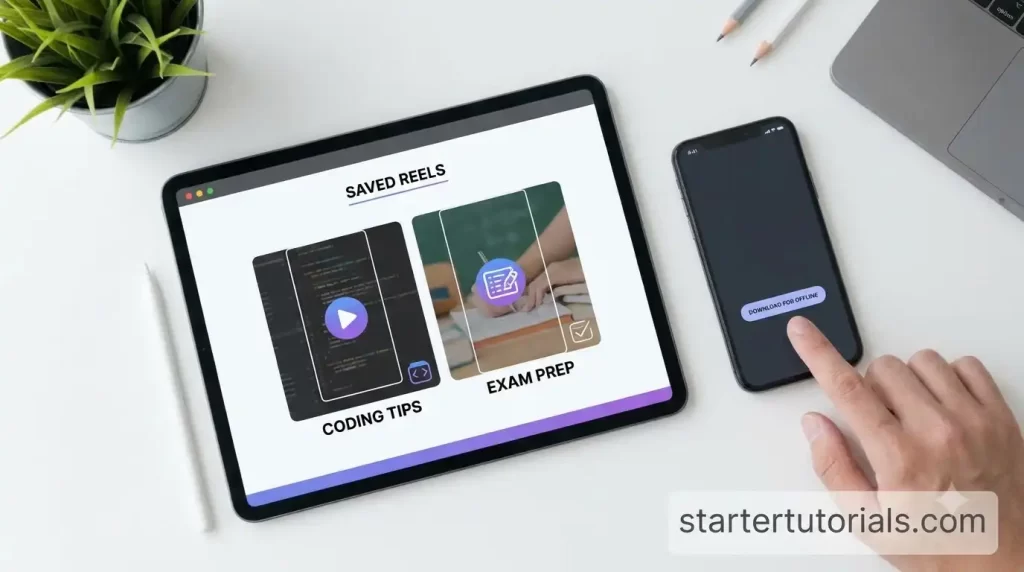
Two semesters ago I failed a data structures quiz that I had technically studied for. The problem was where I studied. Half my notes were Instagram Reels from creators explaining recursion, linked lists and time complexity in sixty seconds, and on the bus to college, with no signal, none of them would load.
That was the day I started downloading.
This is a tutorial for students who learn from short videos: coding walkthroughs, GATE and placement tips, SQL tricks, that one creator who explains pointers with chai cups. I will show you the method I use, then score five other options out of 10 so you can pick for yourself.
What you need
- A phone (Android or iPhone) or a laptop.
- A browser. Chrome, Safari, whatever you already have.
- Public Reels you want to keep. Private accounts will not work with any honest tool, and you should never type your Instagram password into a third-party site.
That is all. No app to install.
Step-by-step: saving a Reel as an MP4
Step 1. Open Instagram and find the Reel. Say it is a two-minute explanation of binary search.
Step 2. Tap the share icon (the paper plane) and choose Copy link.
Step 3. Open your browser and go to Sssinstagram.
Step 4. Paste the link into the box and press Download.
Step 5. The Reel saves as an HD MP4. On Android it usually lands in Downloads and shows in your gallery. On iPhone, Safari puts it in the Files app first, and from there you can save it to Photos. On a laptop, it goes to your downloads folder.
Done. Maybe fifteen seconds once you have done it twice.
The same site handles carousels, which is useful because a lot of exam-tip creators post their summaries as image slides. It also works for single photos, IGTV and Stories from public accounts.
Organising for revision
Downloading a hundred clips into one folder is just a new kind of mess. Here is the system I use, borrowed from how I structure code projects:
Revision/ DSA/ 01_arrays_two-pointer.mp4 02_binary-search.mp4 DBMS/ 01_normalization.mp4 Aptitude/ Interview/
Number the files in the order you want to revise them. Rename them the moment you download, because “reel_8274.mp4” means nothing three weeks later.
One more habit. When a Reel shows code on screen, pause it and type the code into your editor. Run it. Break it. Fix it. Watching is not the same as knowing, and I learned that in the quiz I failed.
Scores out of 10
I scored each option on four things that matter to a student: does it give a real offline file, is the video sharp enough to read code on screen, does it work on a cheap phone without an install, and how easy is it to use.
Sssinstagram: 9/10
Real MP4 file, HD quality, works in the browser on my mid-range Android and on the college lab computers. Code on screen stays readable, which is the whole point. I took off one point only because it handles public content and nothing else, but that is the correct limit for a tool that does not ask for your login.
Inflact: 7/10
Works and gives you a file. It is part of a larger Instagram toolkit, so the page has more going on, and parts of it appear to need an account. Fine if you already use it.
SnapInsta: 7/10
Does the basic job on public Reels. The ad-heavy pages slowed me down on a weak connection. Still a decent backup.
Toolzu: 6/10
Another toolkit with a downloader inside. Worked when I tried it. I just did not see a reason to prefer it over the first three.
Screen recording: 4/10
Free and built in, but you record the whole screen, including the progress bar and notifications, and quality drops. Small code text gets blurry. You also have to sit and watch the entire Reel while recording. Bad deal for long tutorials.
Great for bookmarking. Useless offline. It stores the Reel inside the app only, and for most Reels Instagram has no download option. When you are on the bus with no signal, your saved collection will not play.
Score table
| Option | Offline file | Code readable | No install | Ease | Score |
| Sssinstagram | Yes, MP4 | Yes, HD | Yes | Very easy | 9/10 |
| Inflact | Yes | Yes | Yes | Easy | 7/10 |
| SnapInsta | Yes | Yes | Yes | Easy | 7/10 |
| Toolzu | Yes | Yes | Yes | Easy | 6/10 |
| Screen recording | Yes | Often blurry | Yes | Slow | 4/10 |
| Instagram save | No | n/a | In app | Easy | 2/10 |
Common problems and fixes
“The download did not start.” Check the link. It should come from the share menu, not from your browser’s address bar after you clicked around a profile.
“It says the content is unavailable.” The account is probably private, or the Reel was deleted. Nothing to fix there.
“I cannot find the file on my iPhone.” Look in Files, under Downloads. Then use the share button to save it to Photos.
“My phone is full.” Ten-minute lectures at HD add up. Watch a clip, take notes, then delete the ones you have fully understood. Keep only the tricky ones for the night before the exam.
A word on respect
These creators make free content that helps a lot of us pass. Download for your own revision, credit them if you ever mention their explanation in a group study, and never re-upload their videos as your own. Follow them, like their posts, and share their profiles with friends. That keeps them making more.
Now go revise binary search. Offline.

Leave a Reply