
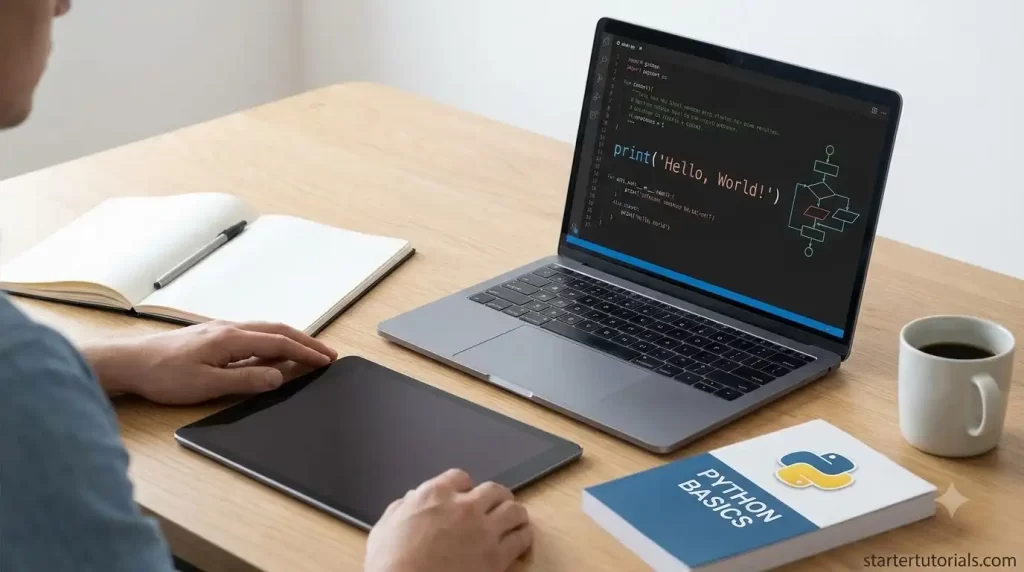
Learning Python for the first time can be daunting for any learner because it seems like learning an entirely new language. However, Python is easy and straightforward to use. This four-week plan will help you write your first small program during Week 1 and build a simple project by the end of the month. The following is a four-week guideline on how to start your programming journey.
Week 1: Getting Started and Basic Syntax
The first week in the program entails installing Python and getting yourself familiarized with its basic syntax. For a detailed reference, you can refer to this Python beginner’s guide.
- Installation: Visit the official site of Python and install the latest version. The installation package features a simple application known as IDLE.
- Learning variables: Variables are nothing but labelled boxes which hold information such as numbers, texts, or Boolean (true or false).
- Printing statements and receiving inputs: Learn how to use print statements for printing messages on the screen and how to receive user inputs using input() function.
You should be able to write the first small program during this week and then can build a simple project by the end of the month.
Week 2: Deciding with Conditions
Usefulness of programs increases when they have the ability to make decisions depending on different situations. During Week 2, we will learn more about conditional statements.
- if statements: Commanding Python to execute certain lines of code in case some condition is met.
- else and elif: Commanding Python what to do in case the previous condition is not met.
For instance, one can make a program which determines whether a student passed the exam or not depending on the grade. The program will print “Passed” if the grade equals or exceeds 50, and “Try again” otherwise.
Week 3: Repetitive Actions with Loops and Functions
Repetitive actions are not a problem for computers. This week is all about loops and functions.
- Loops
– for loops: Used in cases where you have an idea of how many times you need to perform an action (example: printing numbers from 1 to 10).
– while loops: Used in cases where you need something to be performed repeatedly until a certain condition occurs.
- Functions
These are blocks of code that can be reused. This is done by giving the code a name and using it any time you like.
A Simple Python Example
Have a look at a small Python program that uses variables, input, conditions and functions together:
# A simple function to check age

def check_voting_age(age):

    if age >= 18:

        print("You are eligible to vote!")

    else:

        print("You are too young to vote.")


# Ask the user for their age

user_input = input("Enter your age: ")

user_age = int(user_input)


# Call the function

check_voting_age(user_age)
How to Save and Run
- Save the code in a file named voting_check.py.
- Open your command line or terminal, navigate to the file directory, and run python voting_check.py.
Expected Output
Enter your age: 20
You are eligible to vote!
How it works:
- def check_voting_age(age): defines a reusable function named check_voting_age that accepts a parameter called age.
- user_input = input(…) prompts the user to enter their age and receives it as a text string.
- user_age = int(user_input) converts the string into a whole number (integer) as the example expects whole-number inputs.
- if age >= 18: checks whether the numeric age is 18 or older to print “You are eligible to vote!”, and prints “You are too young to vote.” otherwise.
Week 4: Making Your First Simple Project
Now it is time to consolidate everything you have learnt by building a simple project. Creating projects will help you retain everything you have learnt and gain confidence.
Idea for a project: Guess the Number Game
Create a program in which the computer generates a random number from 1 to 20 and the player has to try and guess it.
- Make use of a while loop so that the player keeps guessing.
- Apply if statement to inform the player whether his/her guess is “too high”, “too low” or “correct!”.
- Keep count of the number of turns taken by him/her to arrive at the right answer.
Important Advice for Success
- Code Daily: It is better to spend 20-30 minutes each day coding than 5 hours once a week.
- Do Not Be Afraid of Mistakes: The mistake message does not indicate failure. It gives information about how to correct it.
- Type Your Own Code: Do not copy and paste the code examples – type them yourself. This will help your brain learn the syntax.
Conclusion
Coding skill development is a step-by-step process. With this month-long schedule, you will go from a newbie to building your own programs in Python.

Leave a Reply