
AIM
Write a java program to create a form and validate password using servlet.
Theory
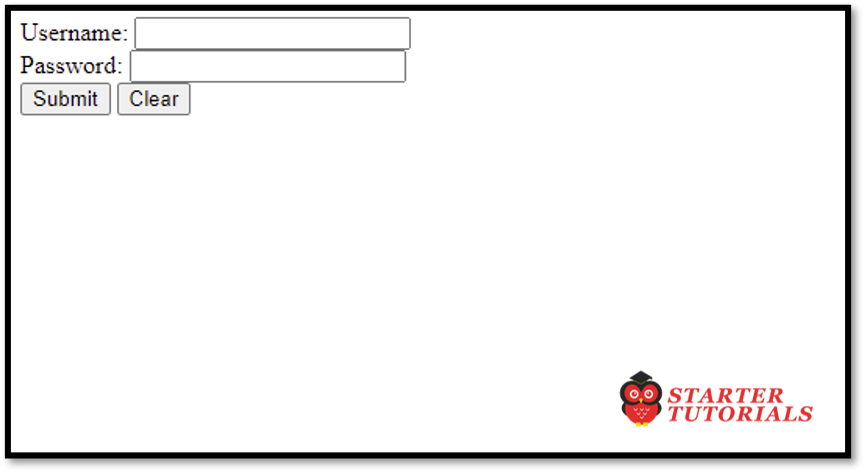
The <form> tags in HTML can be used to create a login form. The <input> tag with type set to text can be used to create a text field and <input> tag with type set to password can be used to create a password field. We also use the name attribute along with the input tags to make the values in the text field and password field available in the servlet. We can add a submit button for submitting the username and password to a servlet for validation and a reset button to clear the text in both fields.
Within the servlet, the request object of the HTTPServletRequest interface can be used to fetch the data entered in the login HTML page. The getParameter() method available on the request object can be used to fetch the data entered in the HTML page.
Program
login.html
<html>
	<head>
		<title>Login Page</title>
	</head>
	<body>
		<form action="Validate" method="post">
			<label>Username: </label>
			<input type="text" name="txtUsername" /><br/>
			<label>Password: </label>
			<input type="password" name="txtPassword" /><br/>
			<input type="submit" value="Submit" />
			<input type="reset" value="Clear" />
		</form>
	</body>
</html>
Validate (servlet)
import jakarta.servlet.ServletException;
import jakarta.servlet.annotation.WebServlet;
import jakarta.servlet.http.HttpServlet;
import jakarta.servlet.http.HttpServletRequest;
import jakarta.servlet.http.HttpServletResponse;
import java.io.IOException;

public class Validate extends HttpServlet {

	protected void doPost(HttpServletRequest request, HttpServletResponse response)
			throws ServletException, IOException {
		String uname = request.getParameter("txtUsername");
		String pass = request.getParameter("txtPassword");
		if(uname.equals("admin") && pass.equals("123456"))
			response.getWriter().print("Login successful");
		else
			response.getWriter().print("Incorrect username or password. Try again!");
	}
}
Input and Output
login.html
Validate (servlet)
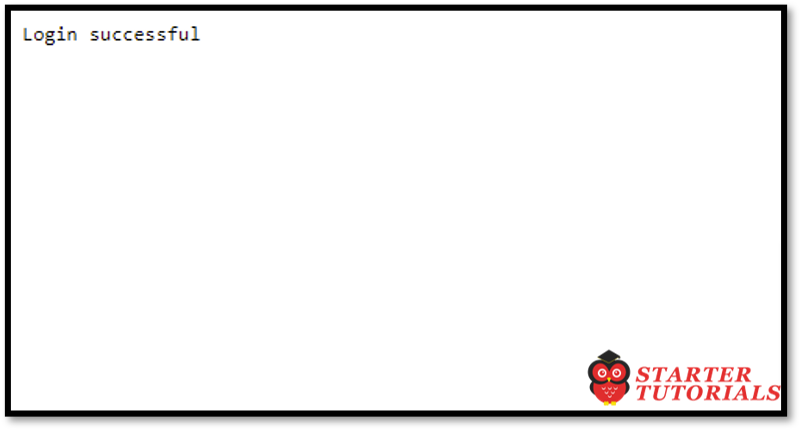
When valid username and password are given
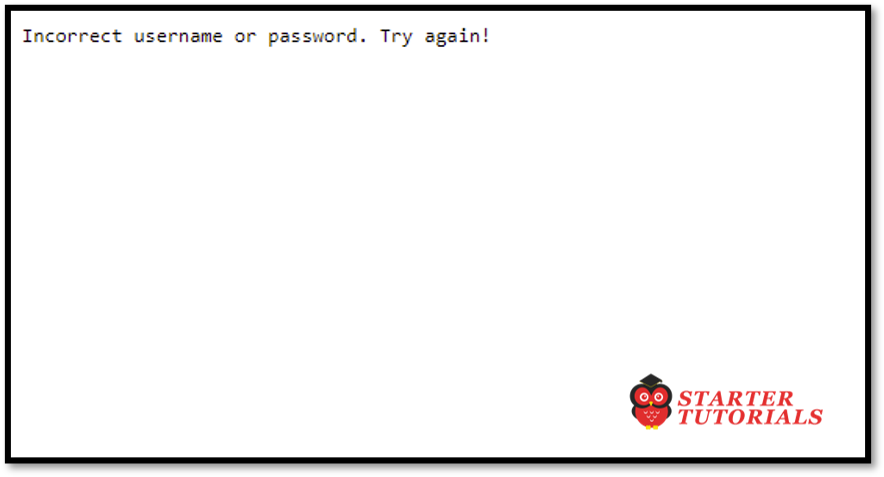

Mr. P.S.Suryateja, also known as Suryateja Pericherla, is at present a Research Scholar (full-time Ph.D.) in the Dept. of Computer Science & Systems Engineering at Andhra University, Visakhapatnam. Previously worked as an Associate Professor in the Dept. of CSE at Vishnu Institute of Technology, India.
He has 14+ years of teaching experience and is an individual researcher whose research interests are Cloud Computing, Internet of Things, Computer Security, Network Security and Blockchain.
He is a member of professional societies like IEEE, ACM, CSI and ISCA. He published several research papers which are indexed by SCIE, WoS, Scopus, Springer and others.
Leave a Reply