
Aim
Create a JSP page to demonstrate jsp:forward action tag.
Theory
JSP
JSP is one of the most used server-based technologies, it separates business logic from the presentation layer of any project. JSP (Jakarta Server Pages, formerly called Java Server Pages) is a technology that is used to develop different interactive Web pages, web applications, and applications which are normally HTML pages that are embedded with Java code. JSP is an updated version of Java Servlets and was developed by Sun Microsystems.
Following are the differences between Servlets and JSP:
| Servlets | JSP |
| In Servlets we write the HTML code using the Java code | In JSP we write the Java code using the HTML code |
| Servlets execute faster as they are executed directly by the server | JSP runs slower as it needs to be converted into Servlet first and then it is run by the server |
| In the MVC (Model View Controller) pattern, Servlet will be used as a controller | In the MVC pattern, JSP will be use generally as a view |
| Servlets accepts other protocols including HTTP/S requests | JSP accepts only HTTP/S protocol requests |
| Session management is by default disabled | Session management is by default enabled |
| Servlets are difficult to code when compared to JSP | JSP is easier to code when compared to Servlets |
| Making any change in a Servlet requires recomp-ilation and restart of the server | Making changes doesn’t require any recompilation or restart of the server |
JSP Action Tags
There are many JSP action tags or elements. Each JSP action tag is used to perform some specific task. The action tags are used to control the flow between pages, to use a Java Bean, etc. The JSP action tags are given below:
| JSP Action Tag | Description |
| jsp:forward | Forwards the request and response to another page |
| jsp:include | Includes another resource in the current page |
| jsp:useBean | Creates or locates a bean object |
| jsp:setProperty | Sets the value of property in bean object |
| jsp:getProperty | Gets the value of property in bean object |
| jsp:plugin | Embeds another component such as applet |
| jsp:param | Sets the parameter value. It is generally used along with forward and include tags. |
| jsp:fallback | Can be used to print a message if a plugin is not working |
jsp:forward Action Tag
The jsp:forward action tag is used to forward the request to another resource it may be jsp, html or any other resource.
Syntax of jsp:forward action tag without parameter is:
<jsp:forward page="relativeURL | <%= expression %>" />
Syntax of jsp:forward action tag with parameter is:
<jsp:forward page="relativeURL | <%= expression %>">
	<jsp:param name="parametername" value="parametervalue | <%=expression%>" />
</jsp:forward>
Program
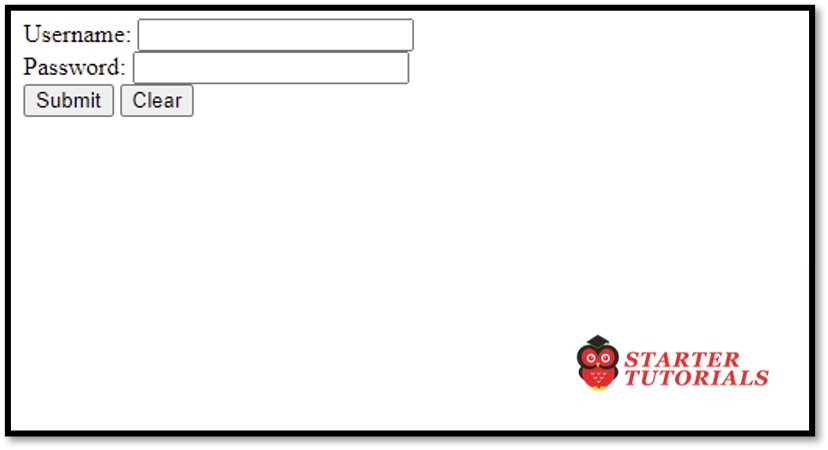
login.html
<html>
	<head>
		<title>Login Page</title>
	</head>
	<body>
		<form action="Validate" method="post">
			<label>Username: </label>
			<input type="text" name="txtUsername" /><br/>
			<label>Password: </label>
			<input type="password" name="txtPassword" /><br/>
			<input type="submit" value="Submit" />
			<input type="reset" value="Clear" />
		</form>
	</body>
</html>
Validate.java
import jakarta.servlet.ServletException;
import jakarta.servlet.http.HttpServlet;
import jakarta.servlet.http.HttpServletRequest;
import jakarta.servlet.http.HttpServletResponse;
import java.io.IOException;

public class Validate extends HttpServlet {

	protected void doPost(HttpServletRequest request, HttpServletResponse response)
			throws ServletException, IOException {
		String uname = request.getParameter("txtUsername");
		String pass = request.getParameter("txtPassword");
		if(uname.equals("admin") && pass.equals("123456"))
		{
response.getWriter().print("<html><head><title>Login Success</title></head>");
			response.getWriter().print("<body>");
			response.getWriter().print("<p>Login successful</p>");
			response.getWriter().print("<p><a href=\"uhome.jsp\">User Home</a></p>");
			response.getWriter().print("</body></html>");
		}
		else
			response.getWriter().print("Incorrect username or password. Try again!");
	}
}
uhome.jsp
<%@ page language="java" contentType="text/html; charset=ISO-8859-1"
    pageEncoding="ISO-8859-1"%>
<!DOCTYPE html>
<html>
<head>
	<title>User Home</title>
</head>
<body>
	<h1>User Home Page</h1>
	<jsp:forward page="gallery.jsp"></jsp:forward>
</body>
</html>
gallery.jsp
<%@ page language="java" contentType="text/html; charset=ISO-8859-1"
    pageEncoding="ISO-8859-1"%>
<!DOCTYPE html>
<html>
<head>
<title>Gallery</title>
</head>
<body>
	<h1>User's Gallery</h1>
</body>
</html>
Input and Output
login.jsp
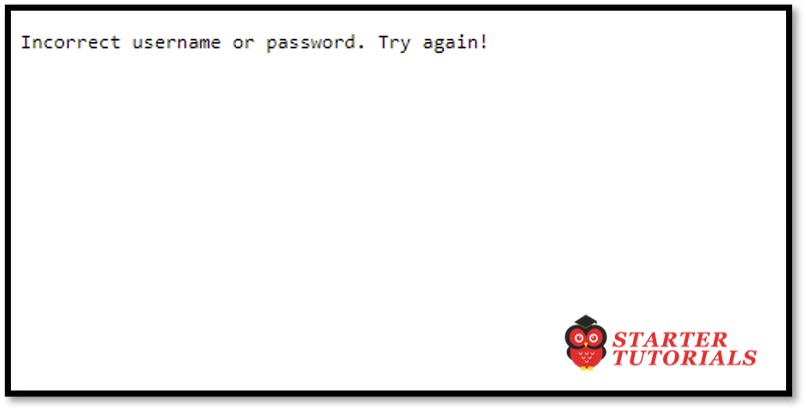
Invalid Details
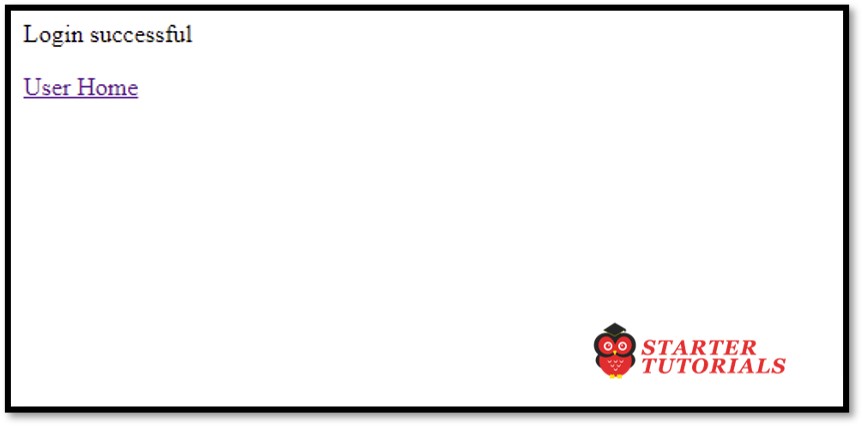
Valid Details
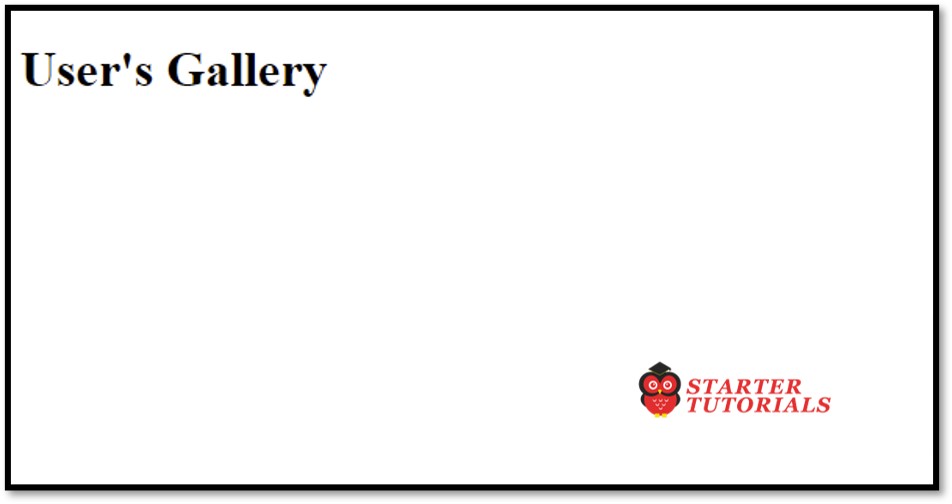
gallery.jsp
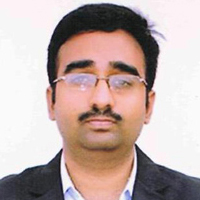
Mr. P.S.Suryateja, also known as Suryateja Pericherla, is at present a Research Scholar (full-time Ph.D.) in the Dept. of Computer Science & Systems Engineering at Andhra University, Visakhapatnam. Previously worked as an Associate Professor in the Dept. of CSE at Vishnu Institute of Technology, India.
He has 14+ years of teaching experience and is an individual researcher whose research interests are Cloud Computing, Internet of Things, Computer Security, Network Security and Blockchain.
He is a member of professional societies like IEEE, ACM, CSI and ISCA. He published several research papers which are indexed by SCIE, WoS, Scopus, Springer and others.
Leave a Reply