
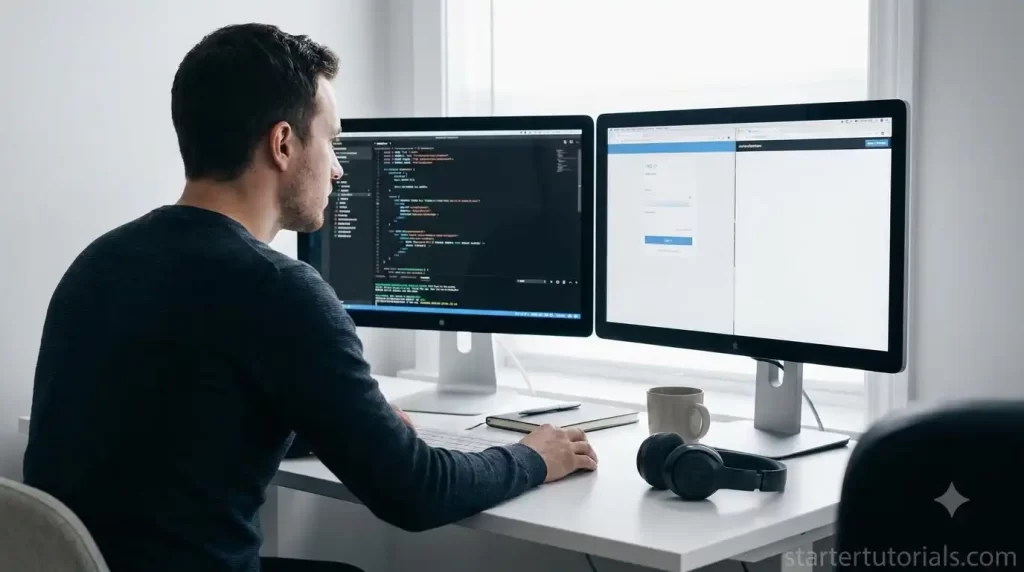
Learning to program rarely follows a tidy schedule. A small exercise can turn into an hour of debugging, while a long tutorial can leave you with several open tabs and no working example. A timer can help organise the session, but only if the session has a useful goal.
The aim is not to write code faster because a clock is counting down. It is to create a manageable period for one kind of work, then leave enough information to continue without rebuilding your train of thought.
Choose an outcome smaller than a topic
“Learn Python” is too broad for one practice block. “Write a function that counts the words in a sentence” is a task you can attempt, test and review. If you are studying databases, your outcome could be one query and a short explanation of its result. When learning CSS, it might be a layout that behaves correctly at two screen widths.
Write that outcome before opening a tutorial. It gives the session a boundary and makes it easier to distinguish useful research from a new topic that can wait. Keep a separate note for interesting ideas you do not need for the current exercise.
Time the activity, not every keystroke
A straightforward session might include a short preparation period, a focused coding block and a review at the end. Read the instructions, identify the inputs and expected output, and make sure the project runs before the main block begins.
For the focused part, choose a duration that fits the exercise. Twenty-five minutes is a convenient example, not a rule. A first encounter with a new concept may need a shorter block; a familiar project may justify a longer one. You can revise the plan after trying it.
ClockFresh provides free browser time tools without an account. A fullscreen countdown can sit on a second display or remain available in a browser tab while you work in your editor. Select a preset or adjust the duration, then start the session.
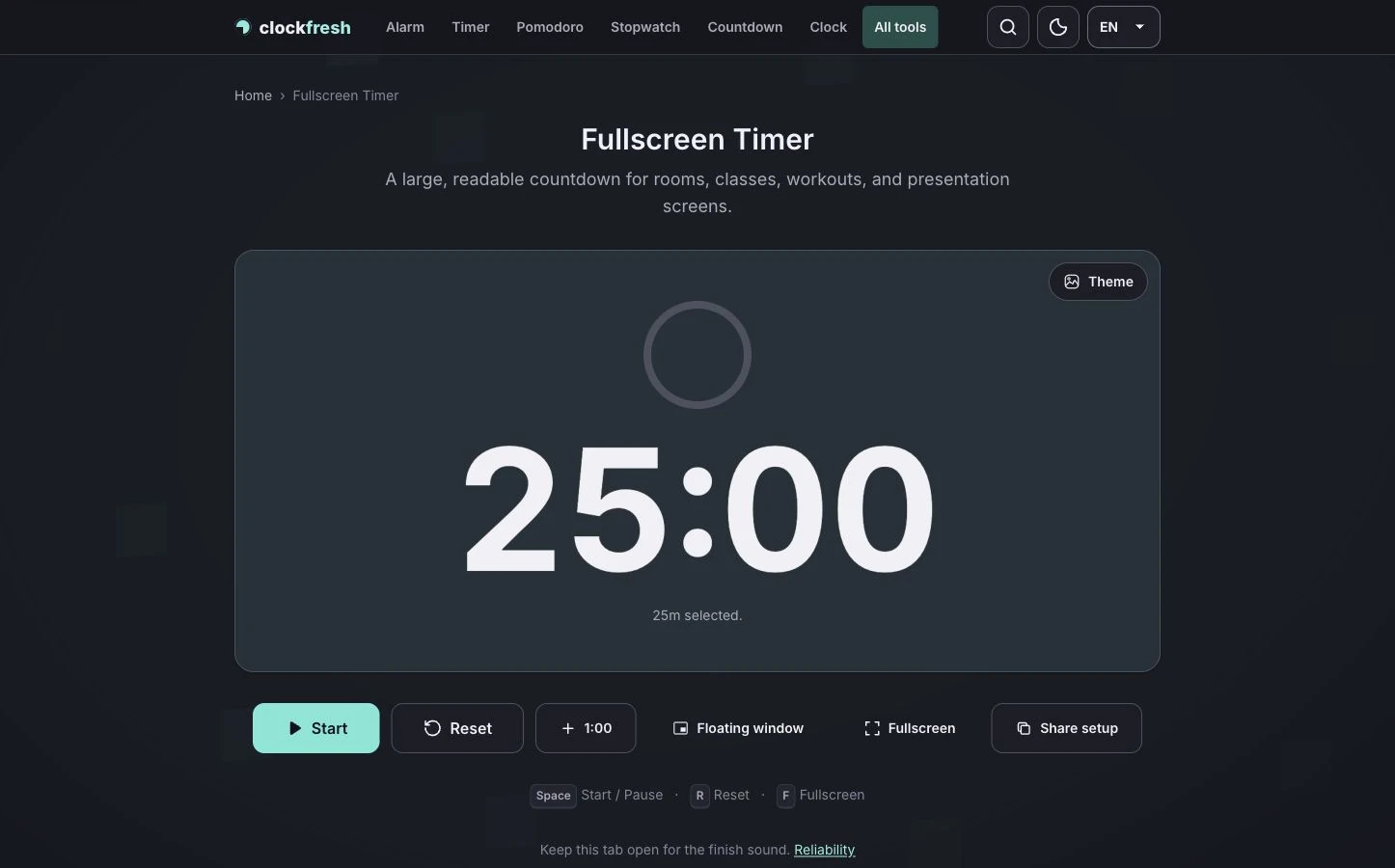
Do not put the countdown where it blocks the code or tempts you to check it constantly. Its job is to provide an end point. Your test cases, compiler output and understanding of the problem should guide the work inside that period.
Handle a debugging detour deliberately
Suppose your function passes the normal case but fails when the input is empty. Instead of immediately rewriting it, record the failing input and the result you expected. Try one explanation at a time. After each change, rerun the same test.
If the block ends while you are still investigating, use it as a checkpoint. Decide whether to finish one small test or stop. Before taking a break, write three things: the current failure, what you have already tried, and the next test you will run. That note makes the next session easier to start.
A countdown is not a reason to leave half a change unsaved. Save your file and finish the small action you are doing. If the task clearly needs more time, extend the block rather than pretending the original estimate was accurate.
Separate reading, coding and checking
When a session feels unproductive, look at how you used the time. Watching a demonstration, typing along with it and writing a solution independently are different activities. Give each a clear purpose rather than moving between them whenever the code becomes difficult.
For example, first read the explanation of a loop. Then close or minimise the example and write a short program that uses it. Finally, compare the output with your expectations and explain why the loop stops. A program that runs is useful evidence, but explaining it reveals what you still need to practise.
If you prefer alternating focus periods and breaks, ClockFresh’s Pomodoro timer offers configurable phases. Choose that format when a repeating rhythm helps. Use a simple countdown when the exercise has one defined working period.
End with a usable record
Keep the last few minutes for review. Record what worked, one thing that surprised you and one question to revisit. Save a small example that you can run again, including the input that exposed a mistake.
Test the browser’s finish sound before relying on it and keep the timer page open. A closed browser tab cannot be treated as a dependable alarm. For everyday practice, the visible countdown and a short closing note are enough to make the session easier to manage.
The best result is not a perfect streak of timed sessions. It is a set of understandable examples, useful tests and a clear next step. A timer supports that routine; it does not replace it.

Leave a Reply